
Loading...
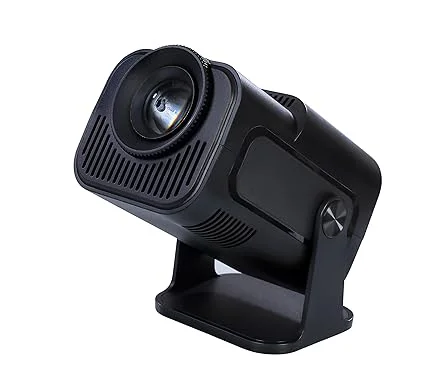
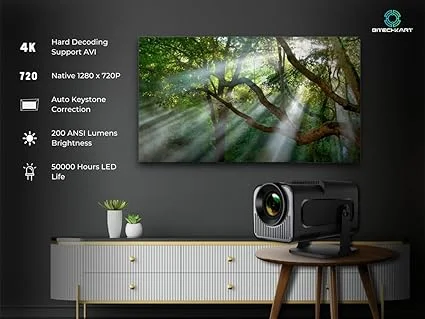
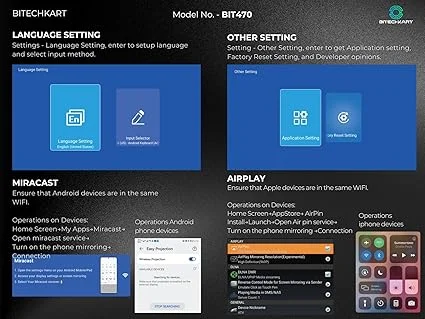
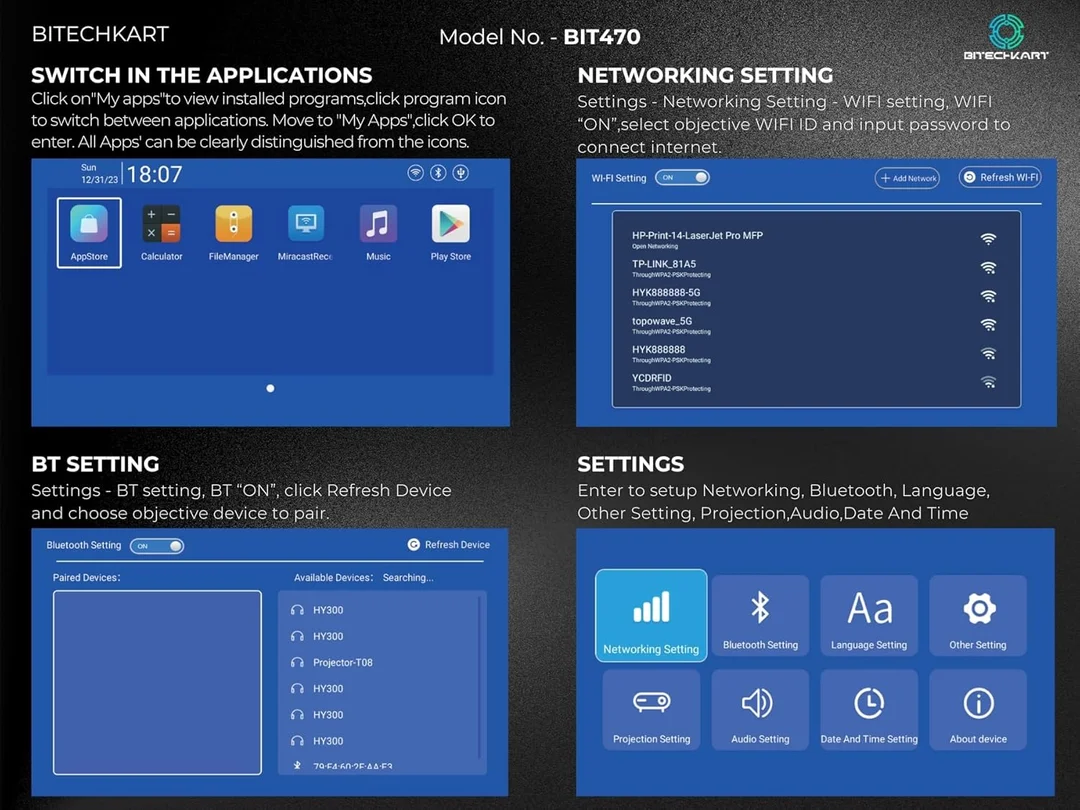
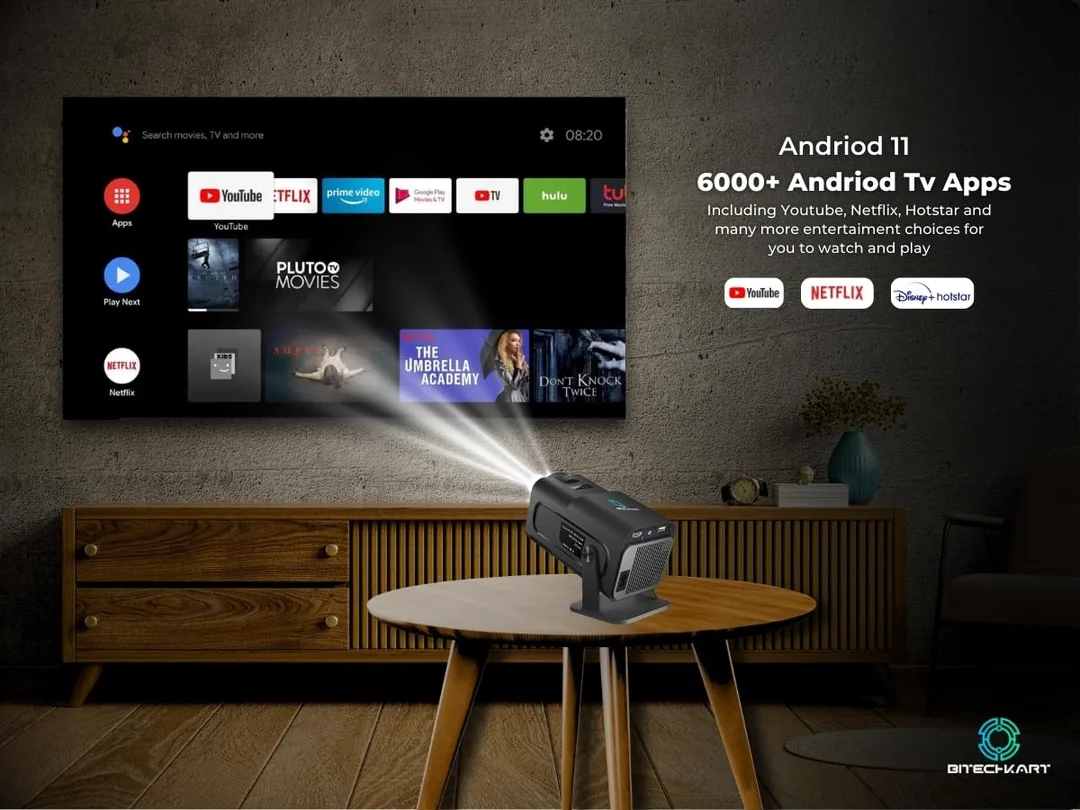
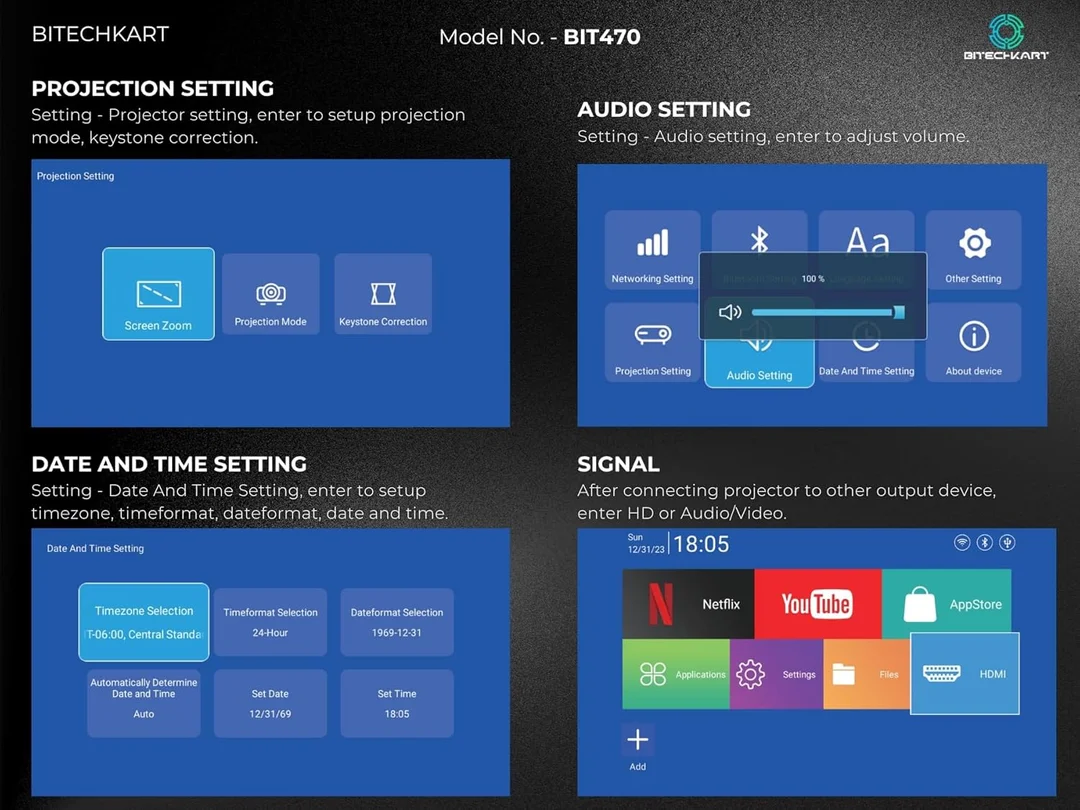
The Bitechkart Bit470 Mini Projector is a portable, high-performance projector designed for home entertainment, office presentations, and outdoor movie nights. With 4K support at 30FPS, 1080P Full HD output, 6000 lumens brightness, and built-in Android 11 with Play Store, this mini projector offers an immersive cinematic experience anywhere. Stream your favorite content on YouTube, Netflix, Prime Video, and Hotstar with crystal-clear visuals and powerful audio.
Movie enthusiasts and binge-watchers
Students and professionals for presentations
Gamers seeking large-screen experiences
Families and friends for home entertainment
Travelers and outdoor adventurers
Ultra-Bright Display: 6000 lumens for vibrant, clear visuals even in ambient light.
4K & 1080P Full HD: High-resolution viewing for movies, games, and presentations.
Smart Android 11 OS: Access Google Play Store, apps, and streaming services directly.
Connectivity: WiFi 6, Bluetooth 5.0, HDMI, and USB ports for flexible device connections.
Portable & Compact: Easy to carry for home, office, or outdoor use.
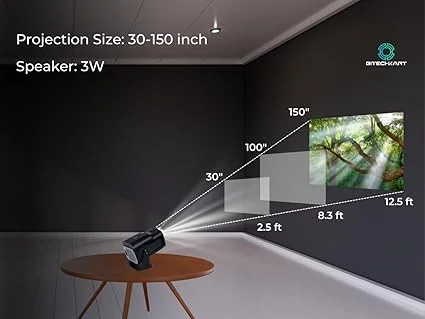
Built-in 3W Speaker: Clear audio without additional speakers.
180° Rotation: Flexible projection angles for convenience.
4K video support at 30FPS
1080P Full HD native resolution
6000 lumens brightness
Android 11 with Google Play Store
Built-in 3W stereo speaker
WiFi 6 & Bluetooth 5.0 connectivity
Compatible with YouTube, Netflix, Prime Video, Hotstar
180° adjustable projection
Multiple input options: HDMI, USB, AV, TF card
| Specification | Details |
|---|---|
| Display Resolution | 1080P Full HD (Supports 4K) |
| Brightness | 6000 Lumens |
| Operating System | Android 11 with Play Store |
| Speaker | Built-in 3W stereo speaker |
| Connectivity | WiFi 6, Bluetooth 5.0 |
| Ports | HDMI, USB, AV, TF card |
| Projection Angle | 180° Adjustable |
| Power | AC Adapter |
| Dimensions | Compact & Portable |
| Weight | Lightweight for easy portability |
Plug in the projector using the AC adapter.
Power it on using the top button or remote.
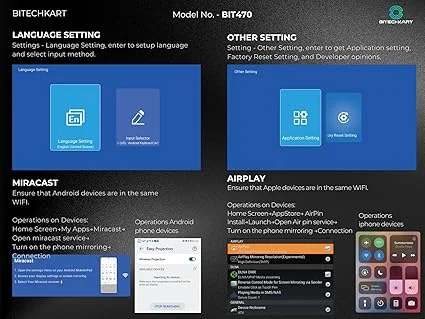
Connect your device via HDMI, USB, WiFi, or Bluetooth.
Open your favorite streaming app or media file.
Adjust the projection angle and focus for clear viewing.
Enjoy movies, games, or presentations on a large screen.
Keep the projector in a cool, dry place.
Clean the lens with a soft microfiber cloth.
Avoid blocking ventilation holes during use.
Do not expose to water or liquids.
Turn off the projector when not in use.
Ensure your room has adequate space for projection.
Use a plain white wall or projector screen for best visuals.
For external audio, you can connect Bluetooth speakers.
Check compatible apps on Android Play Store for streaming services.
