
Loading...
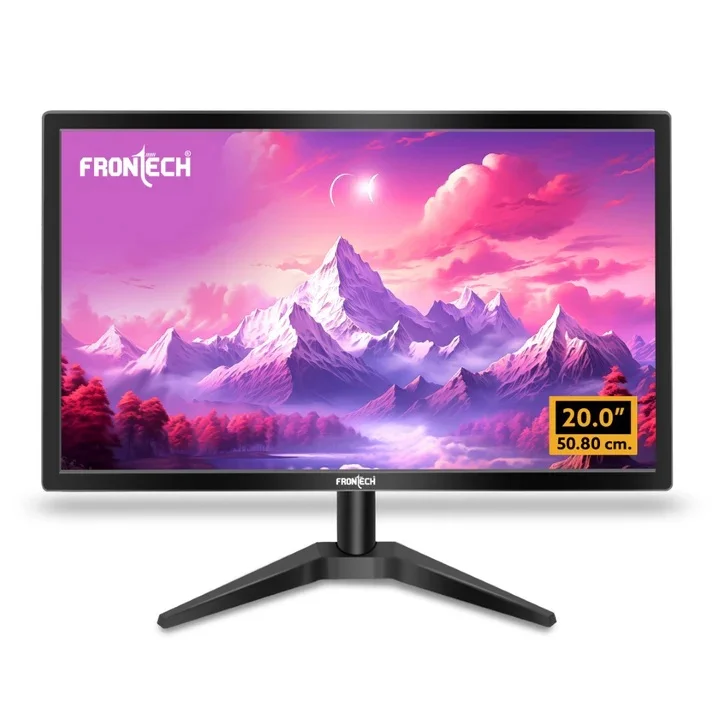
The FRONTECH 20 Inch LED Monitor (MON-0054) is a premium HD display designed for home, office, and gaming applications. With a 20-inch (50.8 cm) LED panel, HD 1600 x 900 resolution, and 16.7 million colors, it delivers vibrant, crisp visuals and smooth performance. The 60Hz refresh rate ensures fluid graphics for multitasking, movies, and light gaming.
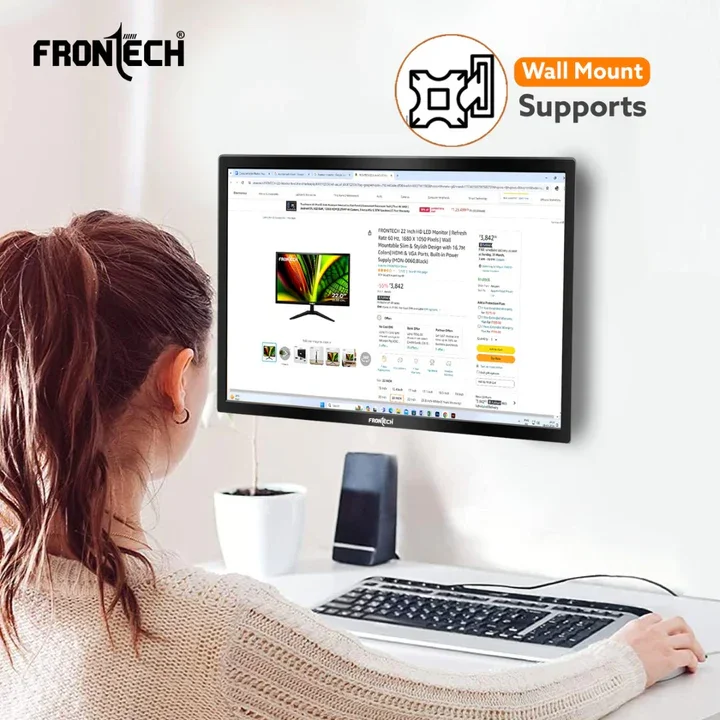
Its slim and stylish design complements any workspace or entertainment setup, while wall-mountable capability adds placement flexibility. Equipped with HDMI and VGA ports and a built-in power supply, it provides seamless connectivity and hassle-free installation. Ideal for professionals, students, and home users seeking high-quality display performance.
Office professionals needing a reliable HD monitor for work
Students and remote learners requiring clear, vibrant visuals
Gamers and casual users seeking smooth performance
Home users looking for a stylish monitor with flexible mounting options
Vivid HD Display: 1600 x 900 resolution with 16.7M colors ensures sharp images
Smooth Visuals: 60Hz refresh rate provides seamless performance
Flexible Setup: Wall-mountable and slim design fits any workspace
Multiple Connectivity: HDMI and VGA ports for versatile device connection
Built-in Power Supply: Easy setup without additional adapters
Stylish Design: Black finish with sleek, modern aesthetics
20-inch LED HD panel
1600 x 900 resolution
60Hz refresh rate
16.7 million colors for vibrant visuals
Slim and stylish design
Wall-mountable for space-saving
HDMI and VGA input support
Built-in power supply
| Specification | Details |
|---|---|
| Brand | FRONTECH |
| Model | MON-0054 |
| Screen Size | 20 Inch (50.8 cm) |
| Display Type | LED |
| Resolution | 1600 x 900 HD |
| Refresh Rate | 60Hz |
| Color Support | 16.7 Million Colors |
| Connectivity | HDMI, VGA |
| Design | Slim, Stylish, Wall-mountable |
| Power | Built-in Power Supply |
| Color | Black |
| Usage | Home, Office, Gaming, Entertainment |
Place the monitor on a stable surface or mount it on the wall using compatible mounts.
Connect your device using HDMI or VGA cable.
Plug in the monitor’s power cable into an electrical outlet.
Turn on the monitor using the power button.
Adjust brightness, contrast, and display settings as needed for optimal viewing.
Clean the screen with a soft, dry microfiber cloth. Avoid using harsh chemicals or abrasive materials.
Keep the monitor away from direct sunlight and excessive heat.
Ensure proper ventilation to avoid overheating.
Disconnect power during long periods of non-use.
Choose a 20-inch monitor for a perfect balance of workspace efficiency and screen size.
Ensure HD resolution (1600 x 900) for crisp visuals in office, gaming, and entertainment.
Check for HDMI and VGA ports to ensure compatibility with multiple devices.
Look for a slim and wall-mountable design for flexible placement and modern aesthetics.
Verify built-in power supply for easy setup without additional adapters.
Compare features and reviews to select a reliable brand like FRONTECH for long-term usage.
