Loading...
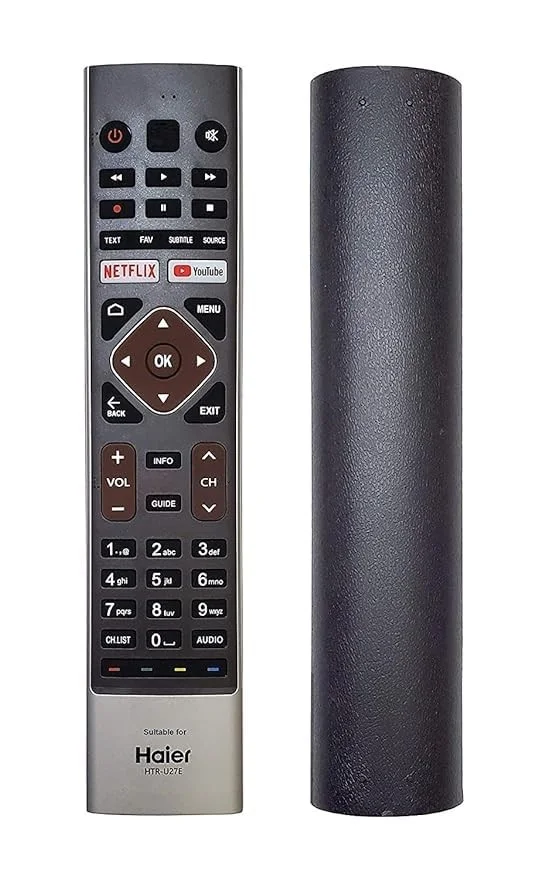
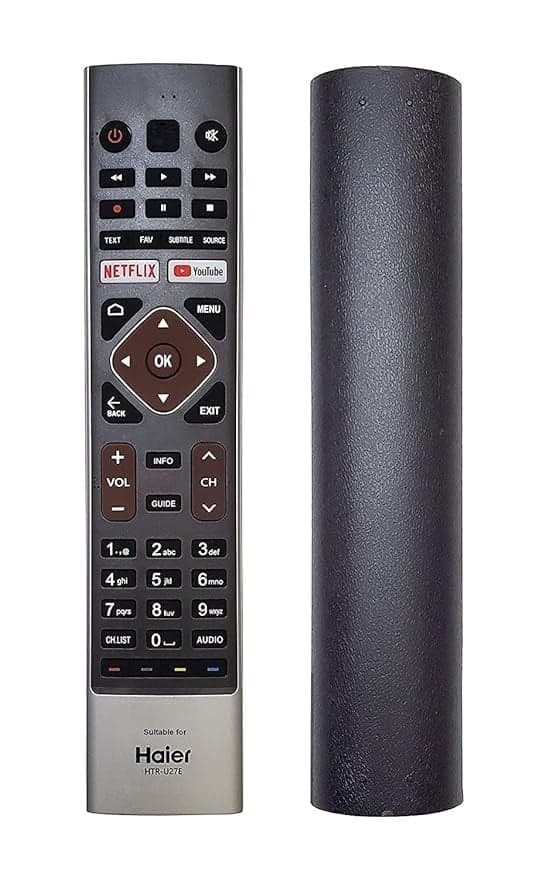
Enhance your viewing experience with the HTR-U27E Replacement Remote for Haier Smart 4K Android LED TVs. This universal Haier TV remote is designed to replace your original remote, offering seamless compatibility and ease of use.
Key Features:
Universal Compatibility: Designed to work with all Haier Smart 4K Android LED TV models, ensuring a perfect fit and functionality.
Non-Voice Feature: This remote does not support voice commands, making it ideal for users who prefer traditional remote control operations.Amazon India+1Amazon India+1
Ergonomic Design: Compact and lightweight, this remote fits comfortably in your hand, providing easy access to all buttons.
High-Quality Build: Crafted with durable materials to withstand daily use, ensuring longevity and reliability.
Specifications:
Brand: Haier
Model: HTR-U27E
Color: BlackRemote Control World+6Remote Control World+6Amazon India+6
Type: Replacement RemoteRemote Control World+5eBay+5eBay+5
Compatibility: All Haier Smart 4K Android LED TVs
Voice Feature: Non-Voice
Packer Details:
Haier Authorized Distributor
Frequently Asked Questions (FAQ):
Is this remote compatible with all Haier Smart 4K Android LED TVs?
Yes, the HTR-U27E replacement remote is designed to work with all Haier Smart 4K Android LED TV models.
Does this remote support voice commands?
No, this remote does not have voice command functionality.
What is the warranty period for this remote?
The remote comes with a 7-day replacement warranty.
Is this remote easy to use?
Yes, the remote is designed for user-friendly operation with a comfortable grip and intuitive button layout.
Can I use this remote to control other devices?
No, this remote is specifically designed for Haier Smart 4K Android LED TVs and cannot control other devices.
What should I do if the remote stops working?
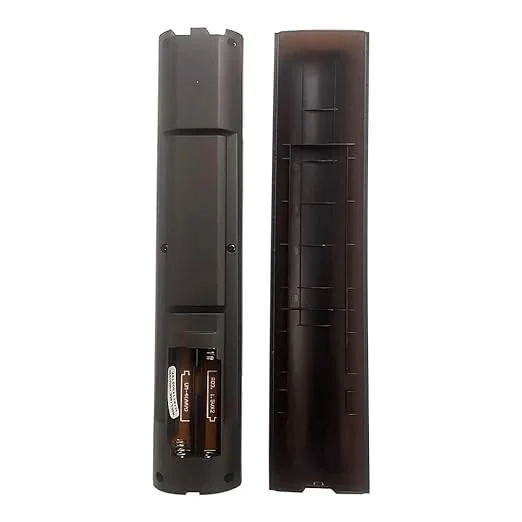
If the remote stops working, please check the batteries and ensure they are properly installed. If the issue persists, contact customer support for assistance.
How do I pair this remote with my Haier TV?
To pair the remote, press and hold the "Red" and "Blue" buttons simultaneously for 5 seconds near the TV. The pairing process will complete automatically.