Loading...
Students who need a comfortable, reliable mouse for laptops and desktops
Professionals seeking ergonomic design and accurate tracking
Gamers or casual users who prefer plug-and-play wireless convenience
Home users who need a long-lasting battery and hassle-free setup
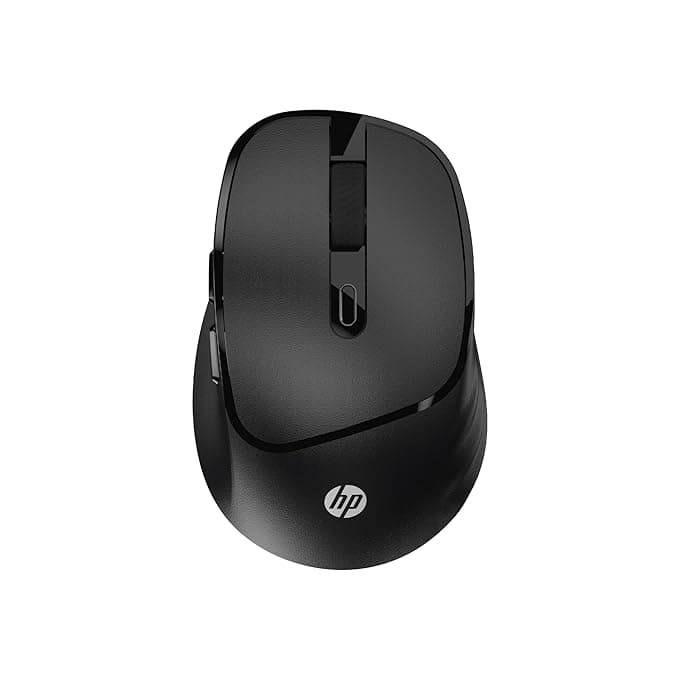
Ergonomic Comfort: Reduce strain with a design crafted for all-day use
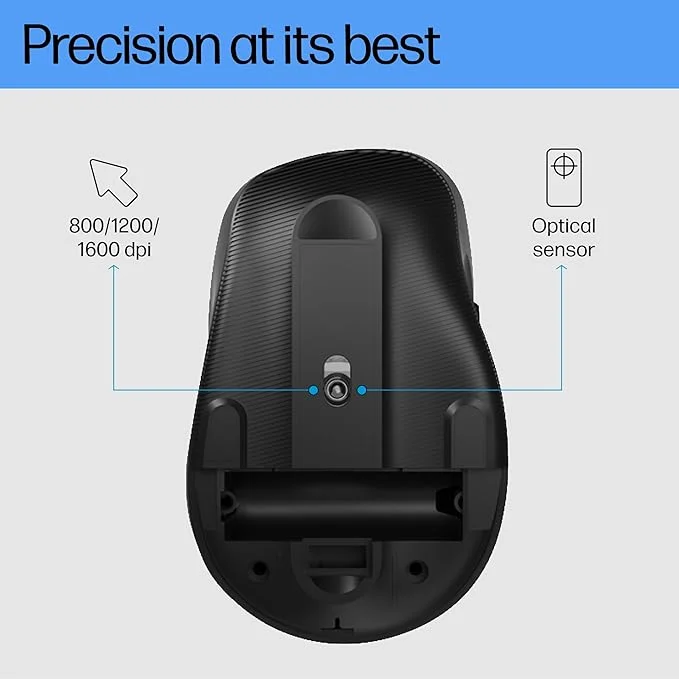
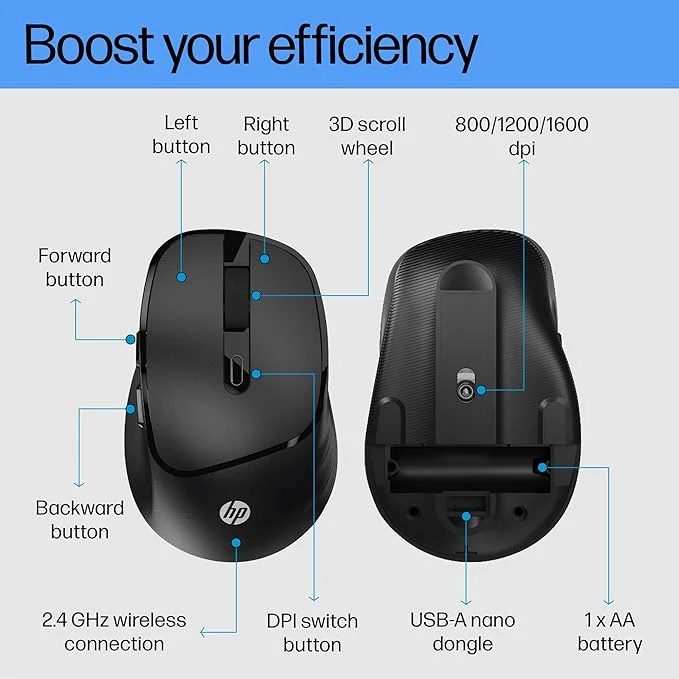
High Precision: Up to 1600 DPI optical sensor ensures accurate cursor movement
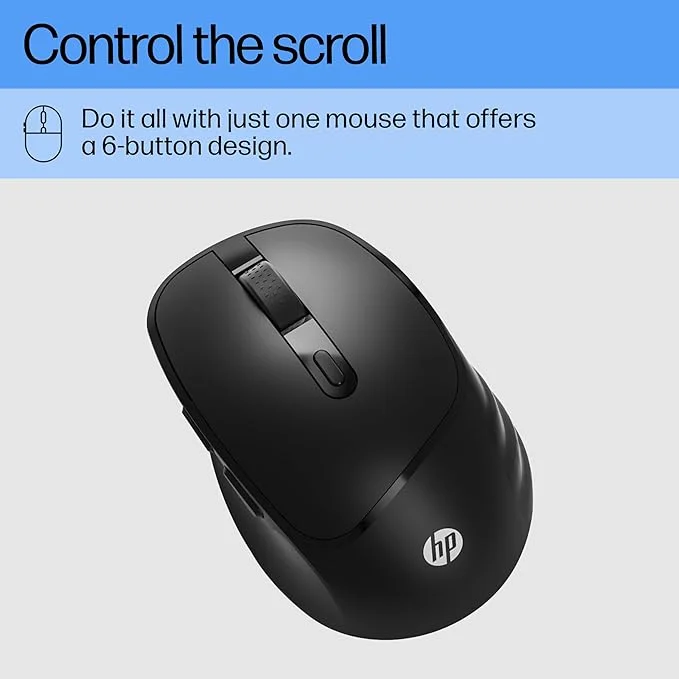
6 Programmable Buttons: Easy navigation and improved productivity
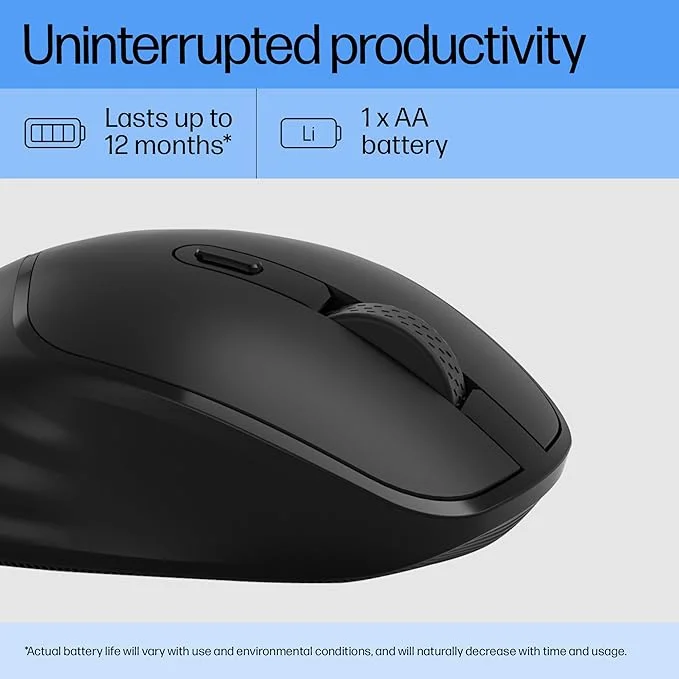
Long Battery Life: 12-month battery for uninterrupted performance
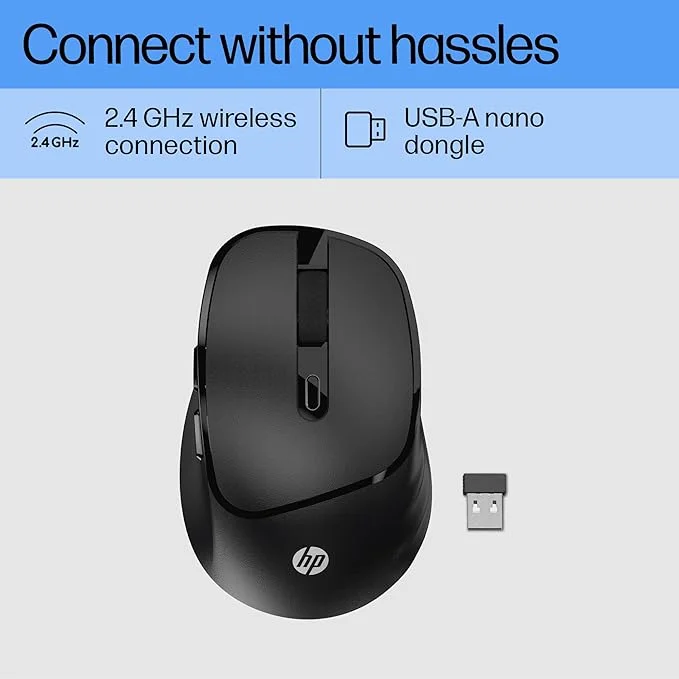
Plug-and-Play: Quick setup with USB-A nano dongle
Lightweight & Portable: Weighs just 60g ±5%, perfect for travel
Specifications
Brand: HP
Model: M120
Colour: Black
Connectivity: Wireless 2.4 GHz
Buttons: 6
DPI: Up to 1600
Weight: 60g ±5%
Battery Life: 12 months
How to Use & Care
Connect the USB-A nano dongle to your PC or laptop
Turn on the mouse using the power switch
Adjust DPI settings if required for precise control
Replace batteries after 12 months or when performance decreases
Keep clean and dust-free for optimal performance
HP M120 Wireless Mouse
USB-A Nano Dongle
1 AAA Battery
User Manual
Buying Guide Tips
Ideal for laptop users and desktop setups
Works best on flat, non-reflective surfaces
Compatible with Windows, macOS, and Linux systems
Fast delivery across India via reliable courier partners
Easy return and replacement within 15–30 days depending on seller policy
Competitive prices with verified sellers
Detailed product information for confident buying
Seamless delivery and secure payment options
Expert advice for matching accessories and peripherals
How to connect HP M120 wireless mouse?
Plug the USB-A nano dongle into your device and turn on the mouse. It will automatically connect.
What is the battery life of HP M120 mouse?
Approximately 12 months with regular use.
Is HP M120 mouse compatible with Mac?
Yes, it works with Windows, macOS, and Linux systems.
How many buttons does the HP M120 have?
It comes with 6 buttons for enhanced productivity.
Can I adjust the DPI on HP M120?
Yes, the mouse supports up to 1600 DPI for precise control.
Is the HP M120 ergonomic?
Yes, it features a comfortable design that reduces hand fatigue.