Loading...
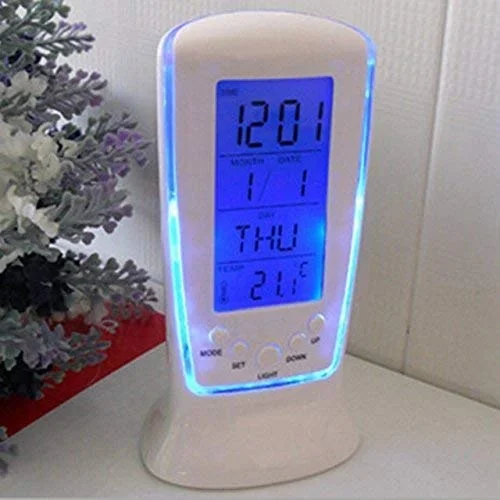
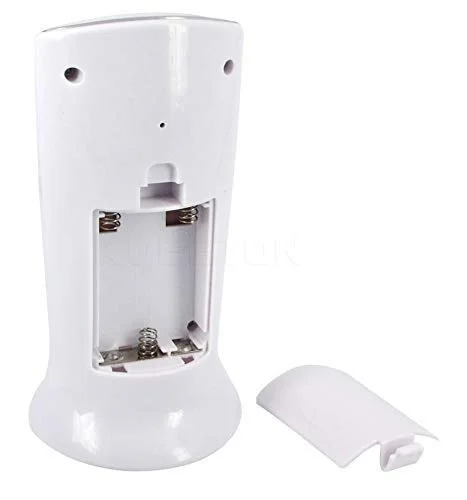
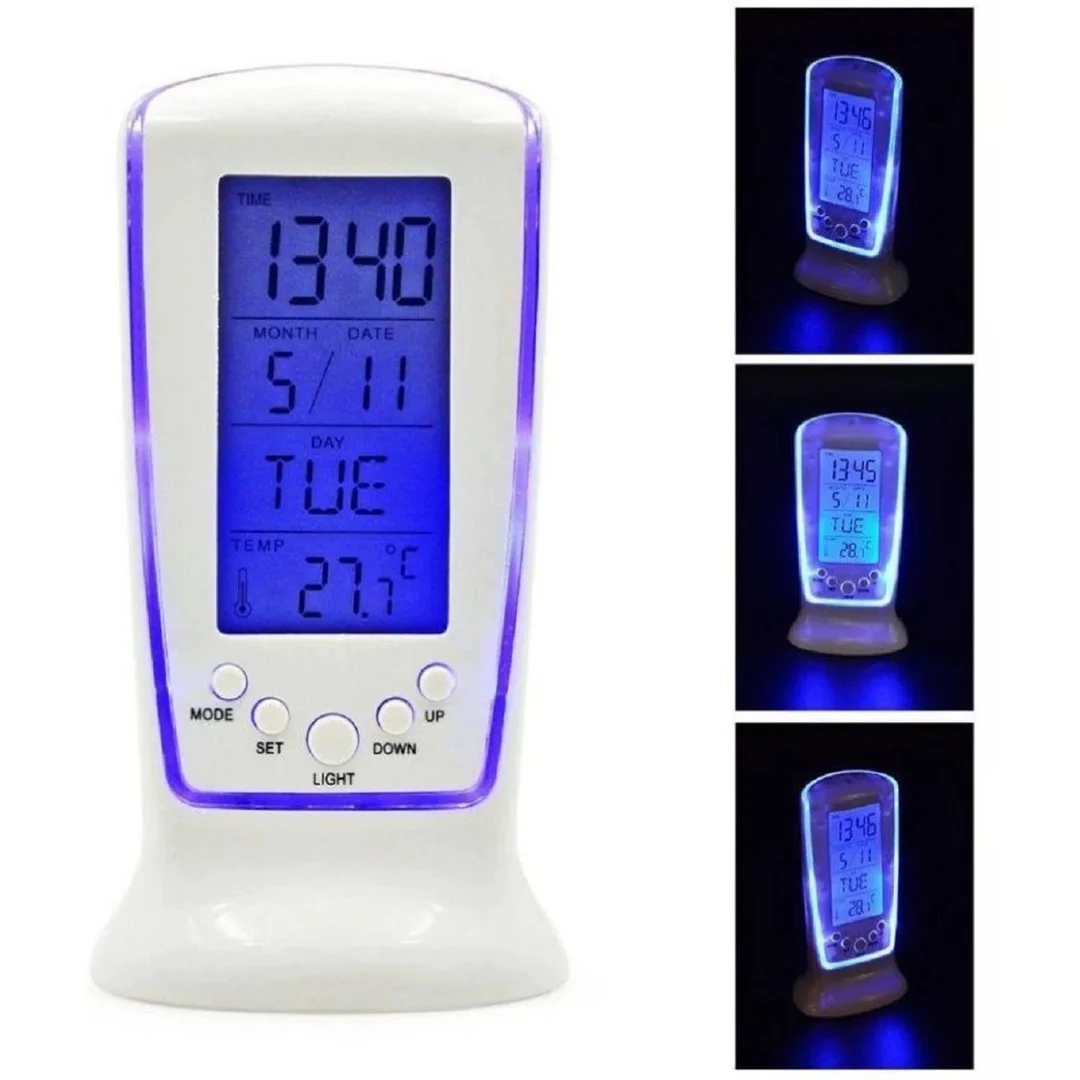
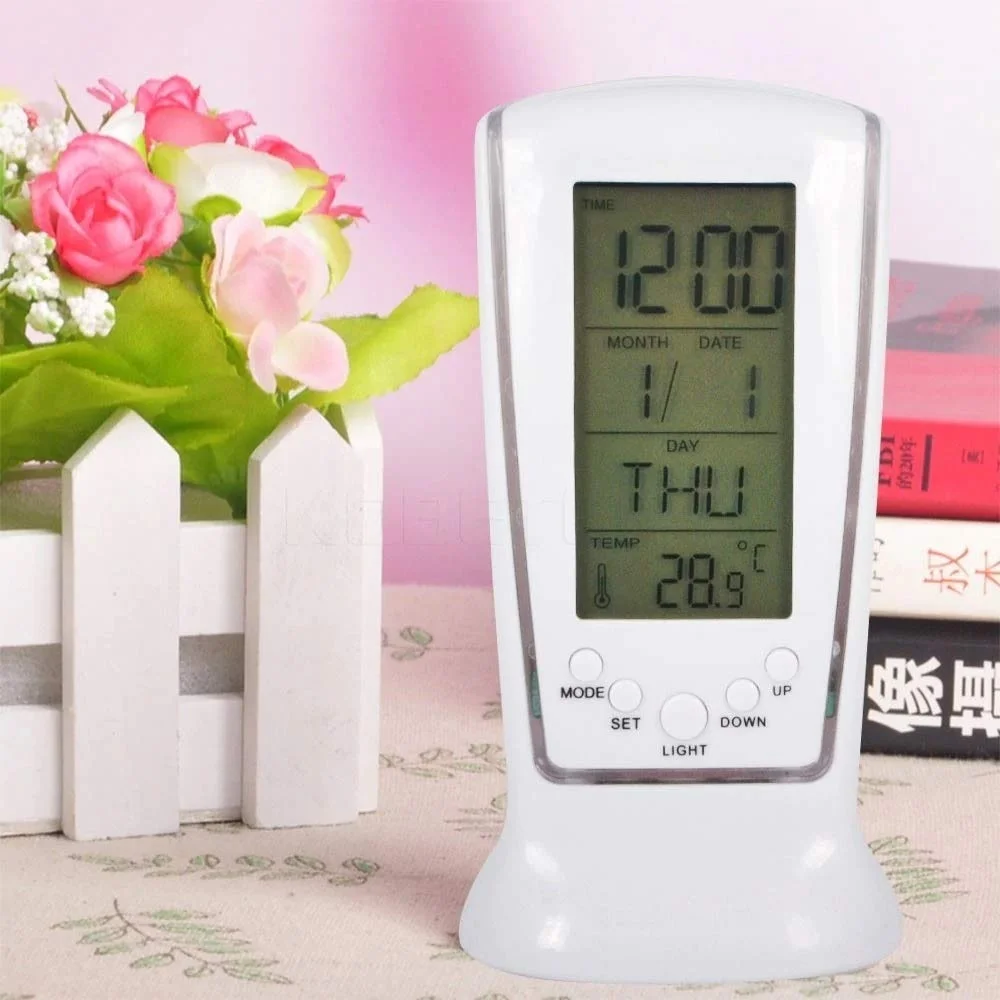
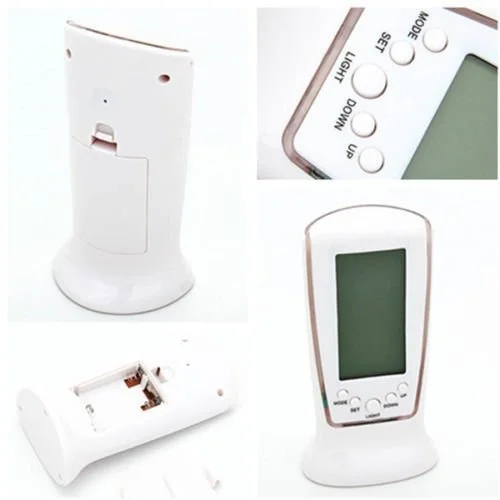
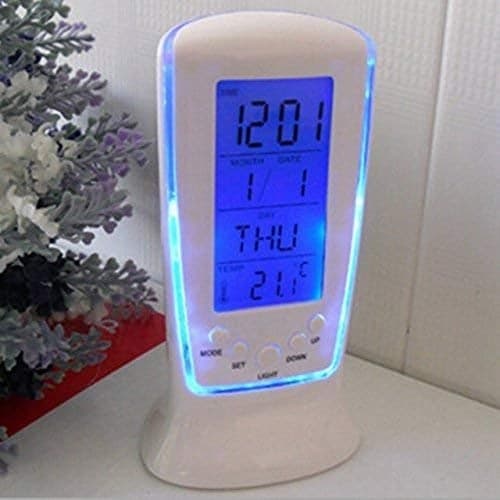
Right Traders Digital Crystle Alarm Clock is a compact digital square bedside clock with time display and alarm function. It’s built for simple everyday use with a clear LED readout and basic alarm and snooze capabilities — a practical choice for bedrooms, study tables, or office desks. This style of digital clock uses an easy‑to‑read numeric display and often includes temperature display and brightness levels.
This clock is suited for people who want:
A straightforward alarm clock without complex functions
An alternative to using a smartphone for wake‑ups
A budget‑friendly bedside timepiece
Students, working professionals, or anyone needing reliable daily wake‑ups
Clear digital display — numbers are easy to read at a glance.
Simple alarm + snooze lets you wake up on time without fuss.
Dual‑power options: Use a USB plug‑in for constant display or batteries for portability.
Budget friendly — good value compared to smart clocks with extra features.
Compact square design fits small tables and crowded nightstands.
Typical functions you’ll find on this model and similar digital square clocks include:
Time display: usually 12‑hour format (some digital clocks may support 24‑hour)
Alarm with snooze: quick extra 5‑minute snooze if you want a few extra minutes.
Temperature display: shows ambient room temperature on screen (on this model).
2 levels of brightness: you can adjust the display brightness level.
Dual power: USB power keeps the display bright; battery mode saves energy.
Type: Digital square alarm clock
Alarm: Yes, with snooze function
Display brightness: Two levels
Power: USB supply or 3 × AAA battery (battery not included)
Material: Plastic
Size: Approx. 10 × 5 × 10 cm
Here’s a typical way to use this clock — many digital alarm clocks follow similar steps:
Power up:
Plug into USB power to keep display on continuously.
Or insert AAA batteries to use without cables.
Set time:
Press the Time/Set button until the hour digits blink.
Use + / – or similar buttons to adjust hours and minutes.
Set alarm:
Press the Alarm button to enter alarm setting mode.
Adjust alarm time with the same buttons.
Turn the alarm ON so the bell icon appears.
Use snooze:
When the alarm sounds, press the Snooze/Light button once — the alarm will pause and resound in ~5 min.
Adjust brightness:
Press the Light button to change between brightness levels.
To keep your clock in good shape:
Clean gently: Wipe with a soft, dry cloth only. Avoid harsh cleaners.
Replace batteries: Do this when the display dims or time resets.
Avoid moisture and heat: Don’t place the clock in humid areas or direct sunlight.
Stable placement: Keep on a flat, stable surface to avoid falls.
When choosing a digital square alarm clock like this, look for:
Brightness control: Essential for night use without glare.
Large digits: Easier to read from across the room.
Snooze function: A basic feature that makes daily waking easier.
Multiple alarms: Helpful if you need different reminders (not always available on basic models).