Loading...
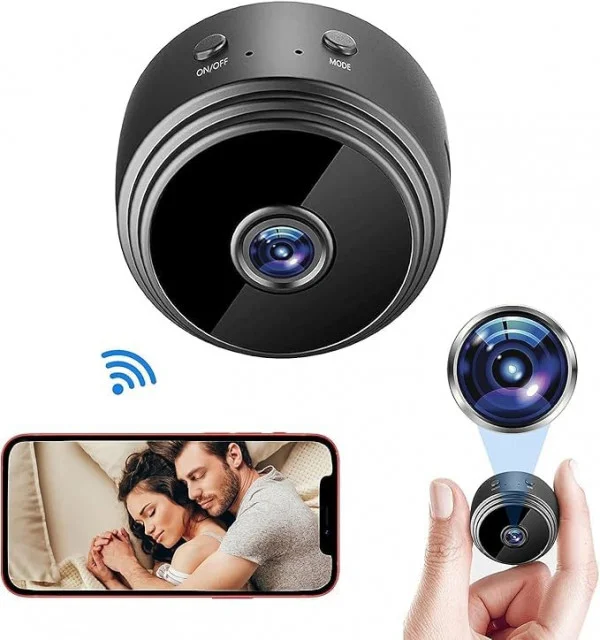
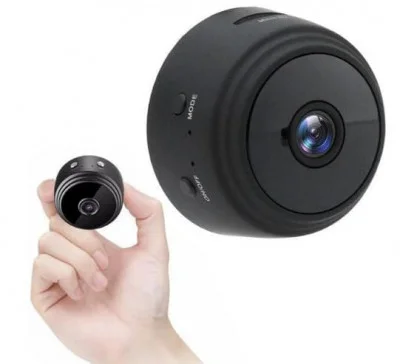
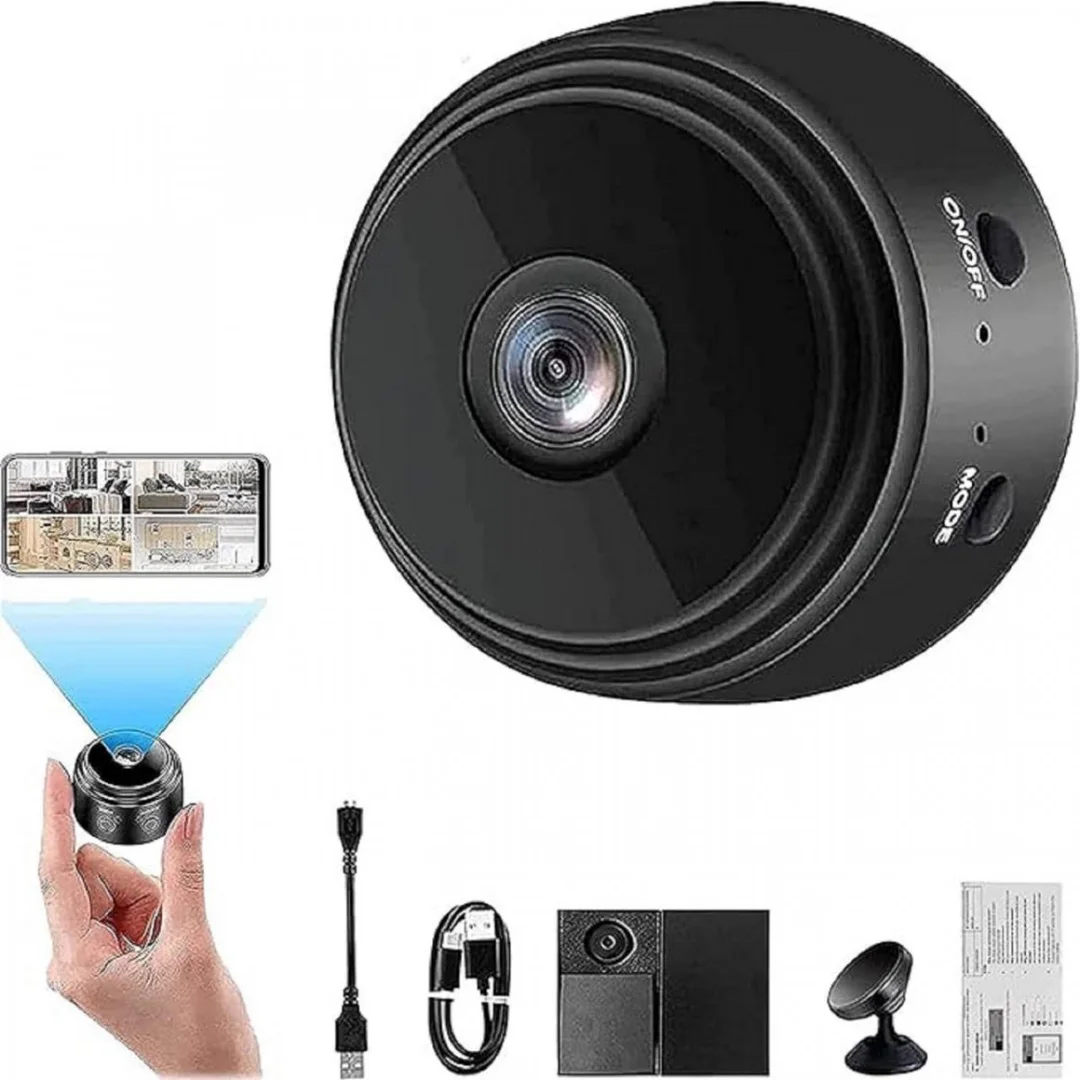
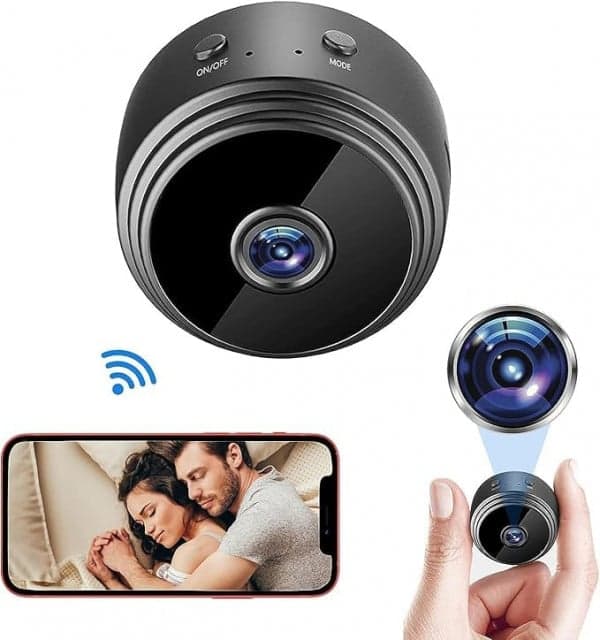
HomeEye A9 Mini Magnetic Wi‑Fi Camera is the ultimate solution for anyone looking for discreet, portable, and reliable home or office security. Designed to be ultra-compact, it is one of the smallest Full HD 1080p cameras available in India, yet it packs all the features you need to monitor your surroundings, protect your property, and stay connected remotely. Available exclusively at ipshopy, this camera brings professional-grade surveillance within reach for everyday users.
When it comes to home security, size doesn’t matter – effectiveness does. The HomeEye A9 Mini is magnetic, lightweight, and portable, meaning you can place it almost anywhere without drawing attention. Its Full HD 1080p video recording ensures every detail is captured clearly, while motion detection sends instant notifications to your smartphone, helping you act in real-time. Whether you want to keep an eye on your children, pets, or monitor entry points in your home or office, this tiny device has you covered.
Compact and Lightweight: At just 30 grams and 4.3 × 2.5 × 2.5 cm, it is easily hidden or mounted discreetly.
Magnetic Mount: Secure placement on metal surfaces without screws or brackets. Ideal for fridges, cabinets, or car roofs.
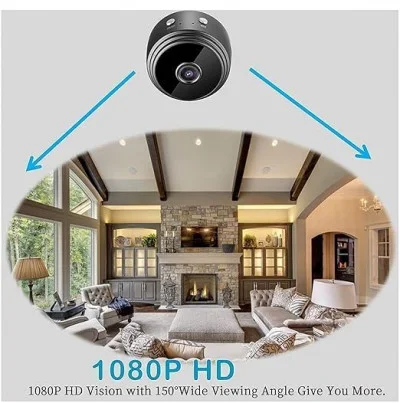
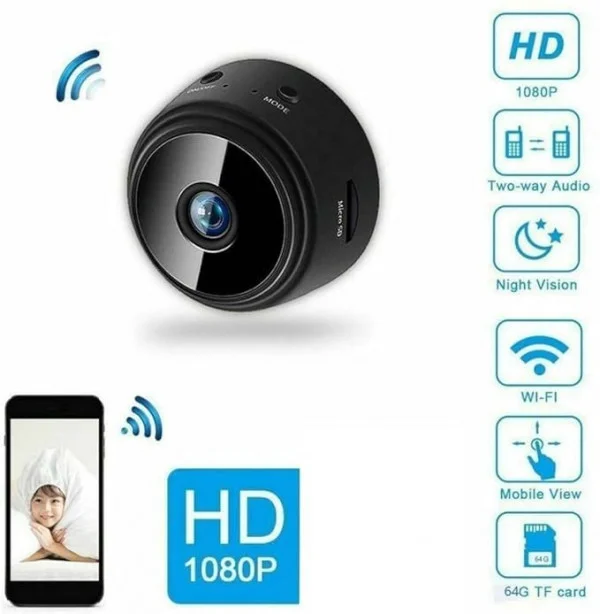
Full HD 1080p Video: Capture crisp and detailed video footage suitable for surveillance.
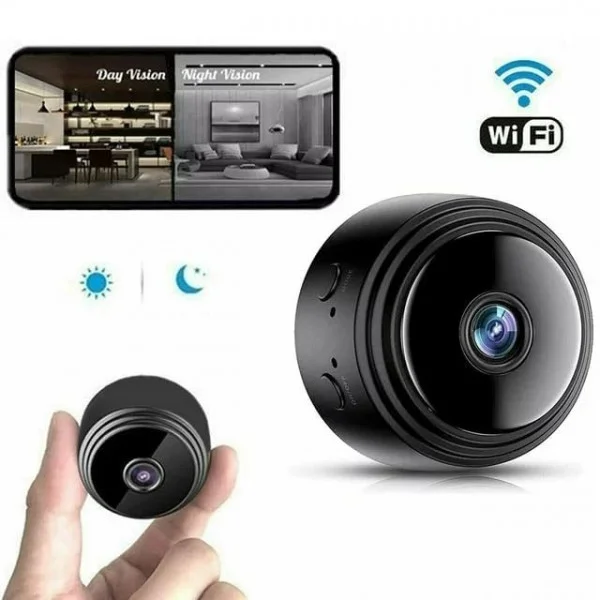
Infrared Night Vision: Record even in complete darkness using six IR LEDs, with up to 5 meters coverage.
Motion Detection Alerts: Save storage and get instant alerts whenever activity is detected.
Loop Recording: Supports microSD/TF card up to 128 GB. Automatically overwrites oldest footage when memory is full.
Mobile App Control: Connect via 2.4 GHz Wi-Fi and manage your camera from anywhere using your smartphone.
Rechargeable Battery: Operates on battery for mobility, or via USB for continuous monitoring.
This camera is perfect for a variety of users who require discreet and reliable surveillance:
Homeowners: Protect your home with a small, inconspicuous camera that blends into your environment.
Parents and Caregivers: Monitor nannies, babysitters, or children when you are away.
Pet Owners: Check on your pets while at work or on vacation.
Vehicle Owners: Use it as a dash or rooftop camera for security during travel.
Travel Enthusiasts: Portable enough to carry anywhere for temporary security or monitoring.
| Feature | Description |
|---|---|
| Video Resolution | Full HD 1080p (1920×1080) |
| Frame Rate | ~25 fps |
| Lens / Field of View | 150° wide-angle |
| Battery | 240–400 mAh rechargeable |
| Night Vision | 6 IR LEDs; 5 m range |
| Storage | MicroSD/TF card up to 128 GB |
| Connectivity | 2.4 GHz Wi-Fi |
| Motion Detection | Yes, with app alerts |
| Video Format | AVI / H.264 |
| Operating Systems | Android, iOS |
| Dimensions | 4.3 × 2.5 × 2.5 cm |
| Weight | 30 g |
Getting started with the HomeEye A9 Mini is simple, even for first-time users:
Charging: Fully charge the device via the included USB cable before initial use.
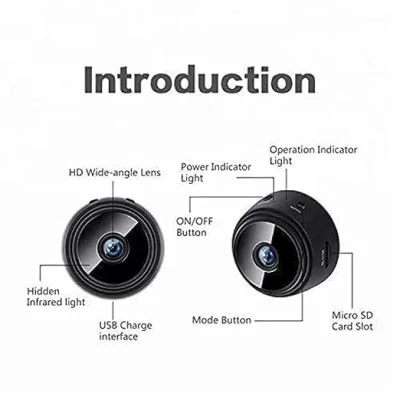
Power On: Press and hold the power button for ~3 seconds. The camera is now ready.
Connect to App: Download the HDMiniCam app from Google Play or the App Store. Connect your phone to the camera’s Wi-Fi hotspot.
Configure Wi-Fi: Use the app to connect the camera to your home 2.4 GHz Wi-Fi network for remote access.
Insert Memory Card: Use a microSD / TF card (Class 10 recommended) for local loop recording. Enable loop recording to automatically overwrite old videos.
Placement: Mount the camera on any metal surface using the magnetic base or place it on flat surfaces using the rotating stand.
Night Monitoring: The infrared LEDs activate automatically in low light to ensure continuous recording.
Motion Detection: Activate in the app to receive alerts when movement is detected.
HomeEye A9 Mini Magnetic Wi-Fi Camera
USB Charging / Data Cable
Magnetic Stand / Rotating Base
Double-Sided Tape for mounting
User Manual
To get the most out of your HomeEye A9 Mini camera:
Choose the Right Memory Card: Use Class 10 microSD / TF cards for smooth recording.
Stable Wi-Fi Connection: Only 2.4 GHz Wi-Fi is supported.
Continuous Monitoring: Use USB power for extended recording sessions.
Secure Placement: Ensure magnetic surfaces are clean and flat.
App Security: Change default password and update firmware if available.
Angle Testing: Adjust rotation base to frame your area perfectly.